
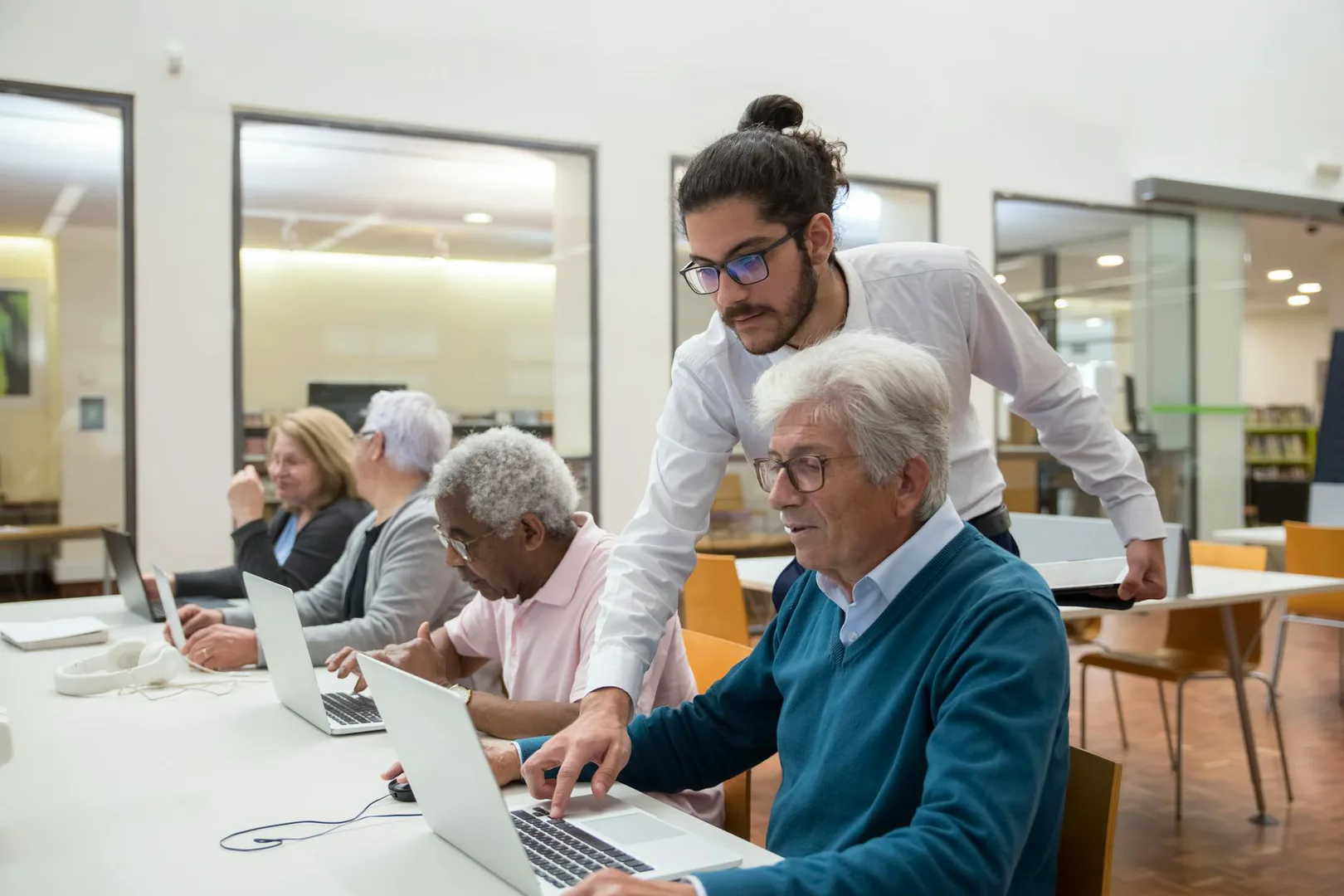
Getting started.
Who this helps
Everyone is welcome to use the library regardless of residency or age. Register in person at the library to receive an individual card.
How to get started
The public computers allow 60 minutes of use per day, with more time if no one is waiting. Extra time limits may apply during busy after-school periods.
Visit the library.
Go to 5 Parker Point Road, Blue Hill, ME 04614 during posted hours.
Ask for computer help.
Call (207) 374-5515 or email the library to arrange a computer tutorial.
Register for a card.
Card registration takes place in person at the library.
How they can help.
The library welcomes people of any residency or age.
- Public computers with internet and Microsoft Office
- Wi-Fi
- Computer help and free computer tutorials
- Printing, copying, faxing and scanning to email
- Interlibrary loan
- Programs for all ages, including Storytime and Chess Club
A few questions before you go.
Check how the service works, when it is available, and any costs. Ask about communication or accessibility support if you need it.
- Can I use a public computer?
- Can I book a computer tutorial?
- Can I print, fax or scan a document?
- Can I get a library card if I live outside Blue Hill?