
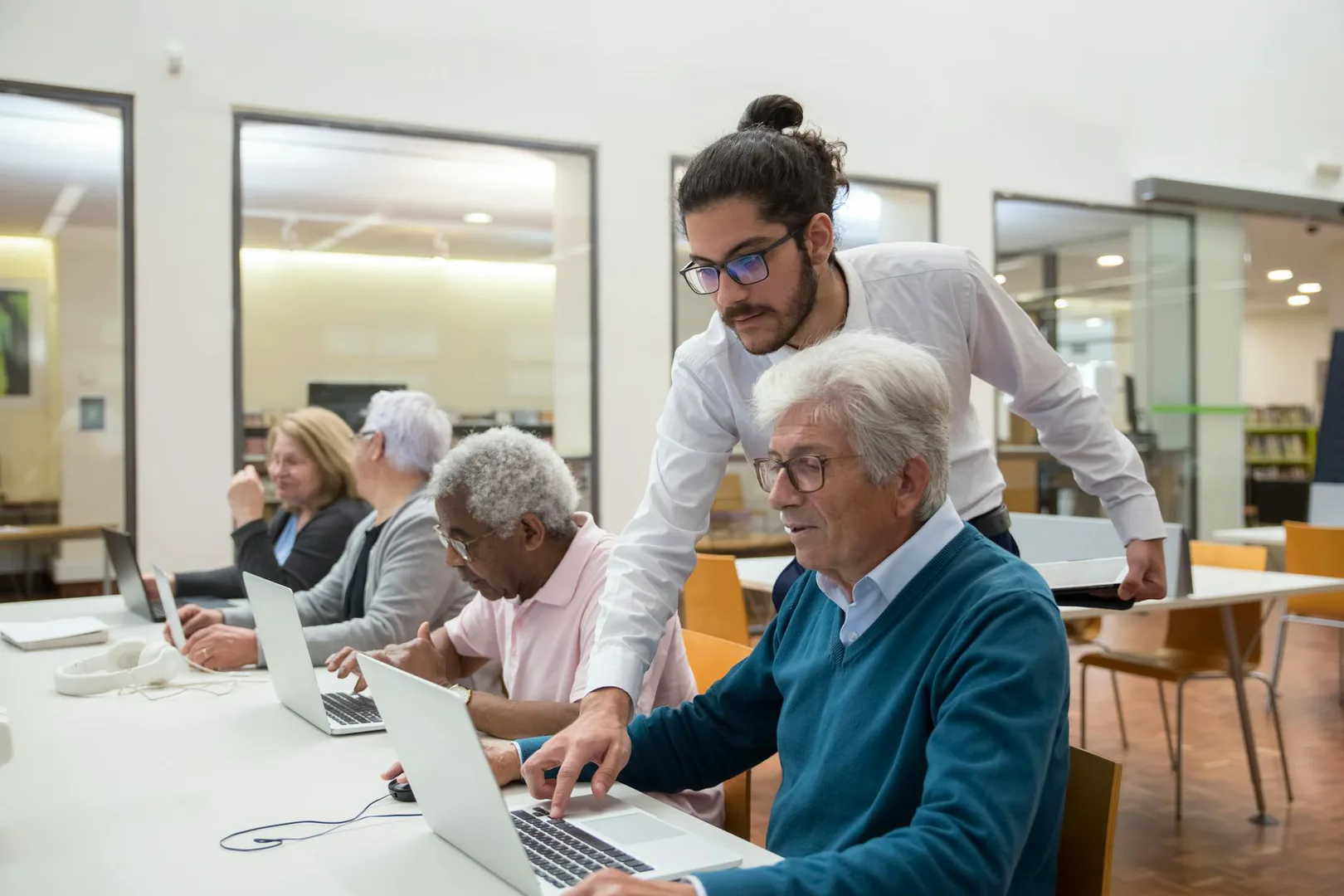
Getting started.
Who this helps
People who live or own property in Bowdoinham and students at any SAD75 school may get a library card. People who live elsewhere may apply for a nonresident card. Children under 14 must complete the initial application at the library with a parent present and signature.
How to get started
Public computer use is limited to 20 minutes. Password-protected Wi-Fi is available from the parking lot 24 hours a day, and you can ask the library for the passcode.
Visit the library.
Go to 13a School Street in Bowdoinham, ME 04008.
Call the library.
Call (207) 666-8405 to ask about library cards or services.
Check the website.
Look for current library hours, events, and digital literacy information.
How they can help.
Bowdoinham Public Library is a tax-supported public library.
- Public desktop computer and printer
- Password-protected Wi-Fi
- Printing and copying
- Free online computer classes for Maine residents
- Preschool storytime
- Book groups
A few questions before you go.
Children under 14 need to come with a parent for the initial application. The parent must sign the application.
- Can I use the public computer?
- How do I get the Wi-Fi passcode?
- When are online computer classes offered?
- What library card can I get if I do not live in Bowdoinham?